Skip to content
Platform / Figma

Figma Settles the Design Before Code Gets Expensive

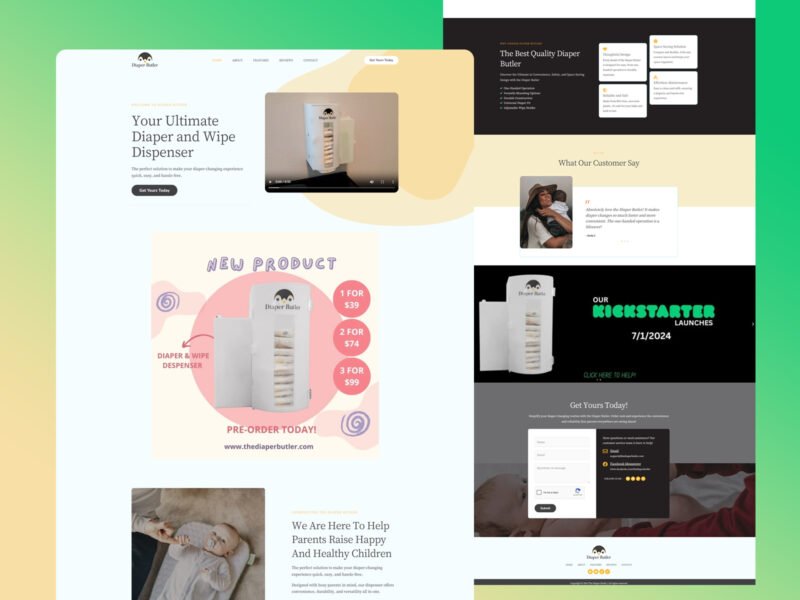
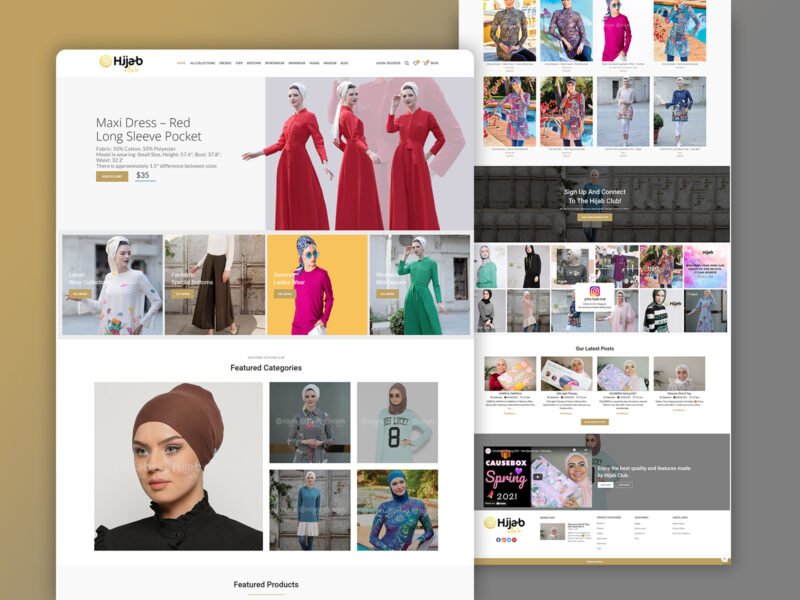
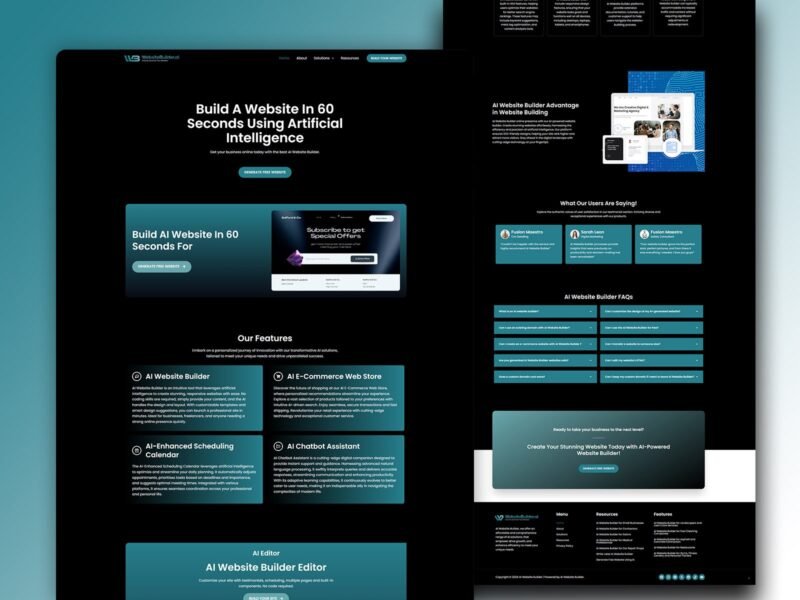
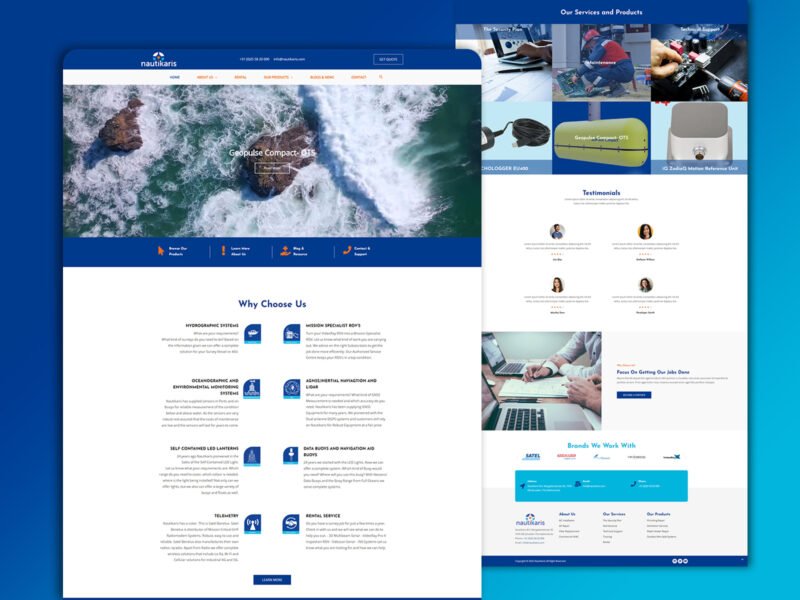
Where the interface gets decided. Figma is best for designing and testing products before code: wireframes, prototypes and design systems your developers build from directly.

Platform Figma
Design UI & Prototypes
Handover Next.js or React
System Design System
Best For UI/UX & Prototypes
01 / Best for

Where Figma fits best.

01

Product UI Design

Every screen, state and edge case designed before a line of code.

02

Clickable Prototypes

Flows you can test with users and investors before building.

03

Design Systems

Shared components, colours and type that keep every screen consistent.

04

Website Design

Pages laid out and approved before development starts.

05

Developer Handover

Specs, spacing and assets inspected directly, with no guessing.

06

Team Collaboration

Founders, designers and developers commenting in one file.

02 / What we build with it

Where Figma earns its place.

01

Flows before screens

The routes through the product agreed in low fidelity, while changing them still costs nothing.

02

A component set, not a picture

Variants, states and tokens, so the build starts from parts rather than from a screenshot.

03

Every state drawn

Empty, loading, error and too-much-data, not only the case that demos well.

04

A file a developer can read

Spacing, type and colour named, so nobody has to guess what a gap was meant to mean.

03 / Honestly

Why this, and when not.

Why we choose it

Decisions are cheap in Figma and expensive in code, so testing a flow here saves weeks of rework. Everyone works in one live file, and developers inspect exact sizes, styles and assets, so what ships matches what you approved.

06 / Questions

Figma, answered.

What is Figma used for?
Figma is a collaborative design tool used for UI design, wireframes, clickable prototypes, design systems and developer handover.
Do I need a Figma design before development?
For a new product or a major redesign, yes; it settles the flows and screens before code makes them expensive to change.
Can a Figma design become a website?
Yes. Developers build from it directly in Next.js, React or WordPress, inspecting exact sizes, styles and assets.
Is Figma only for designers?
No. Founders and developers review, comment and inspect in the same file.
What is a Figma prototype?
A clickable version of the design that behaves like the app, used to test flows with users before building.
When is a Figma design not needed?
For small changes to an existing site or app, a quick sketch and a review in the browser are usually enough.

Designing something?

A 30–60 minute call with the designer who would do the work. You leave with a scope sketch either way.